Ryan Troy Doll Box (PSD) Backdrop Pack
Ryan Troy Doll Box (PSD) Backdrop Pack
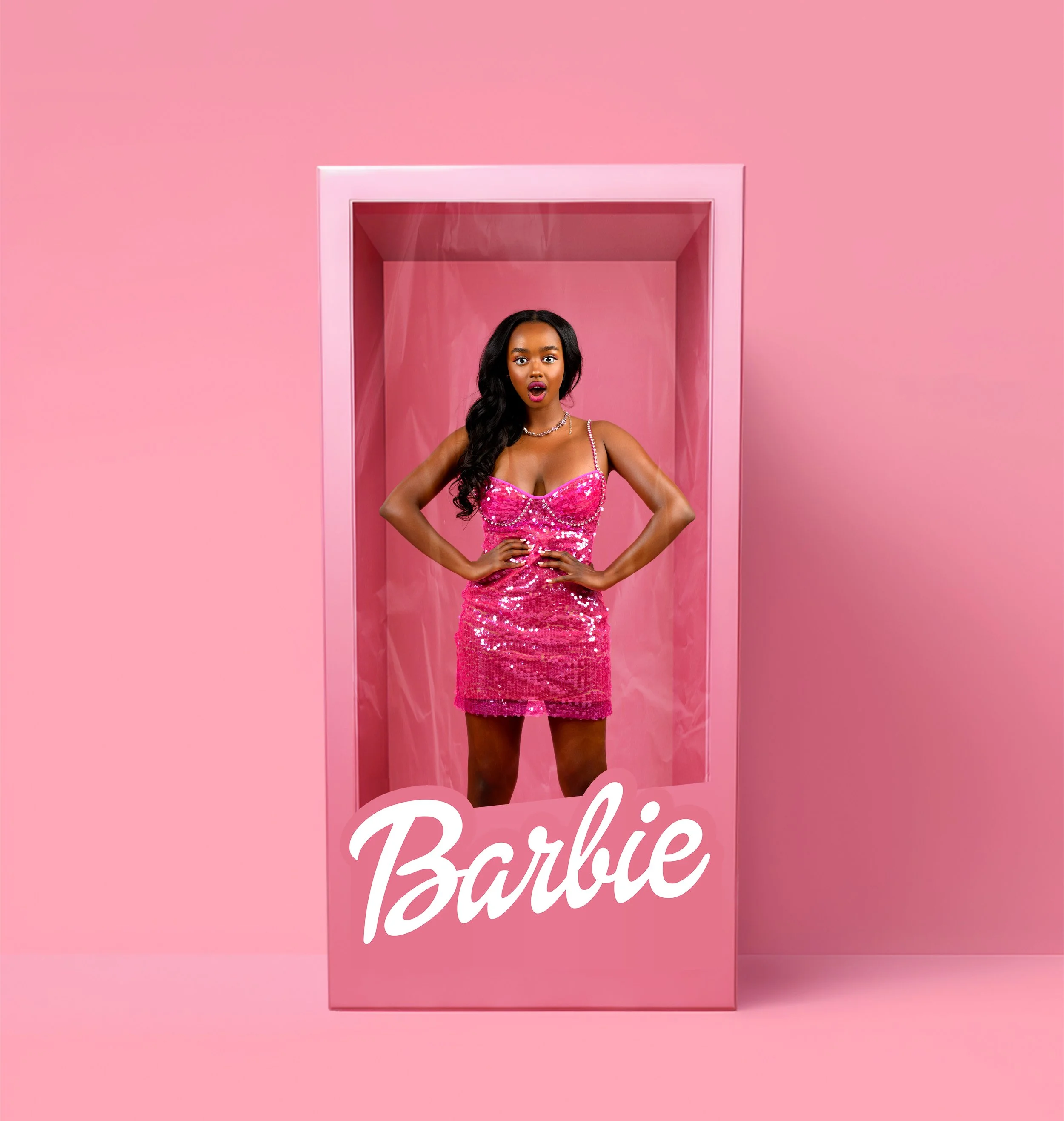
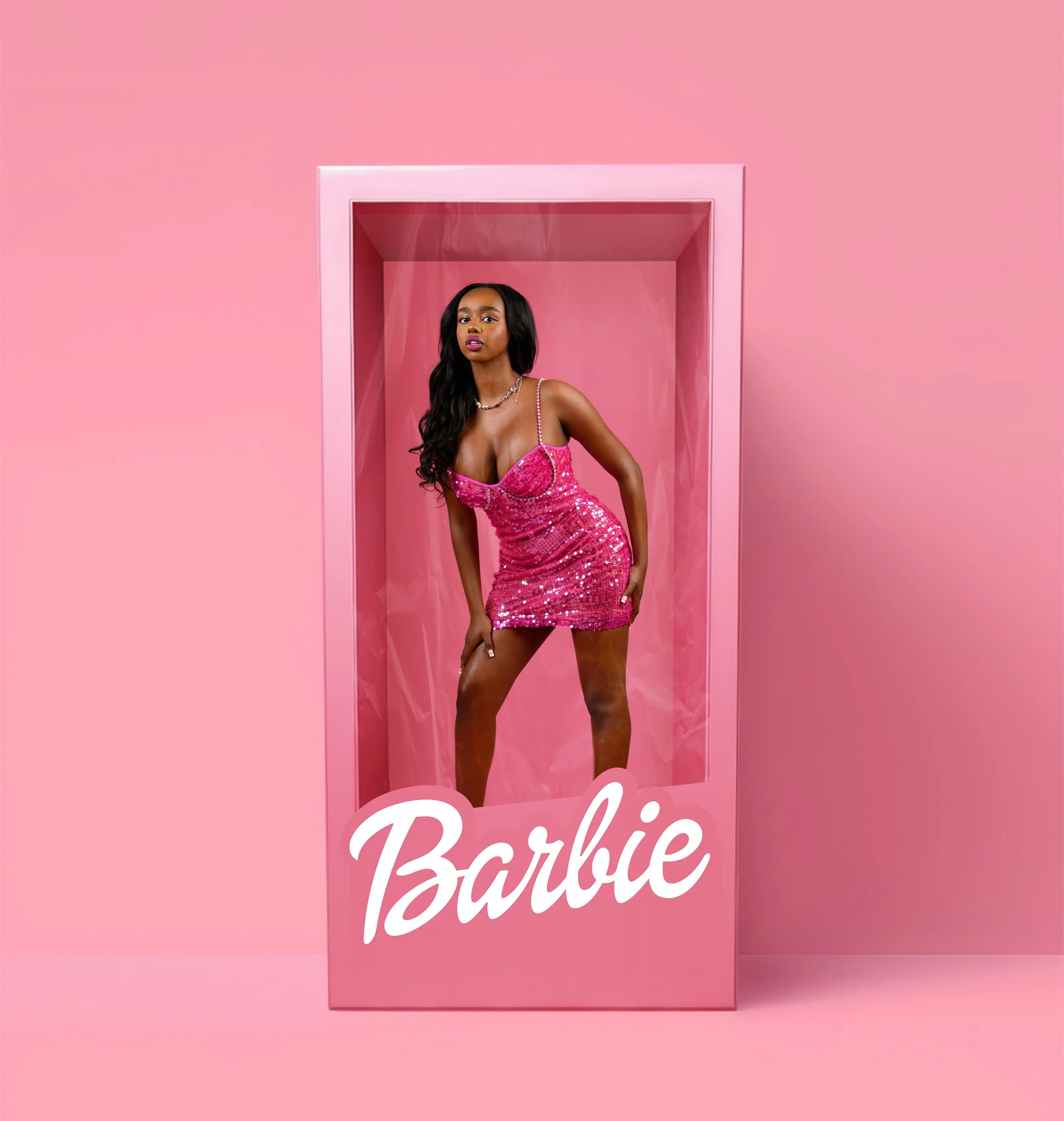
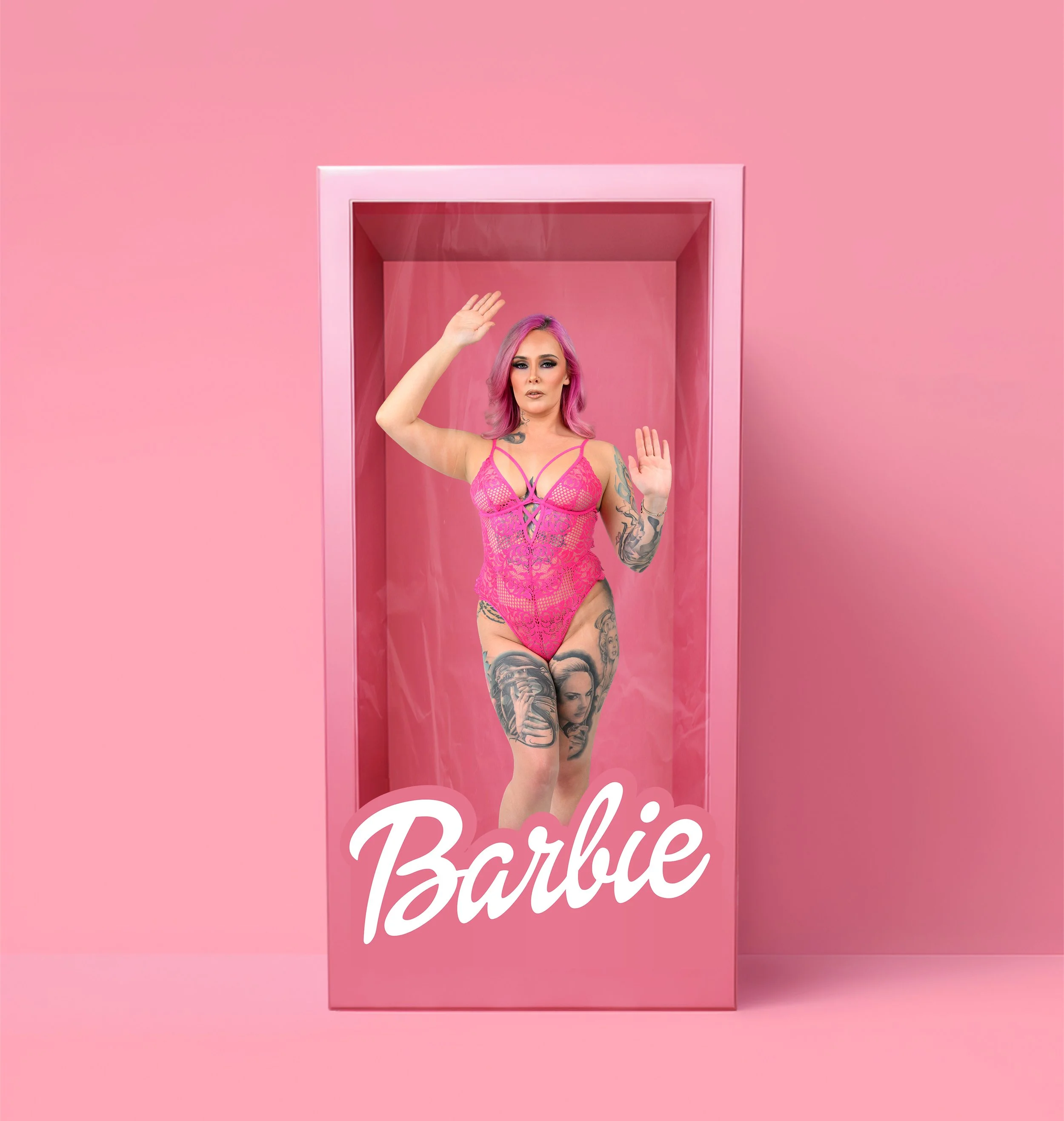
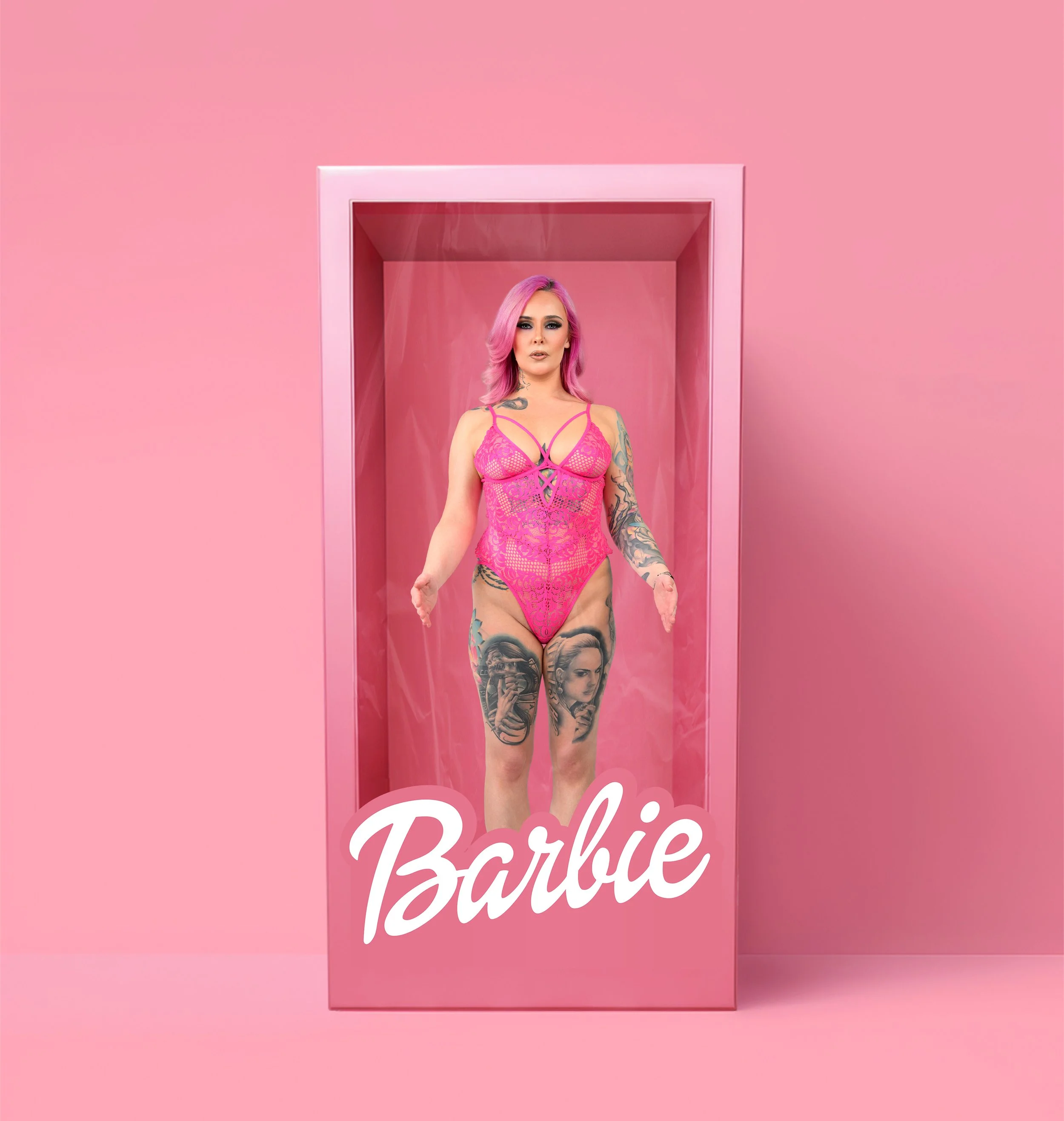
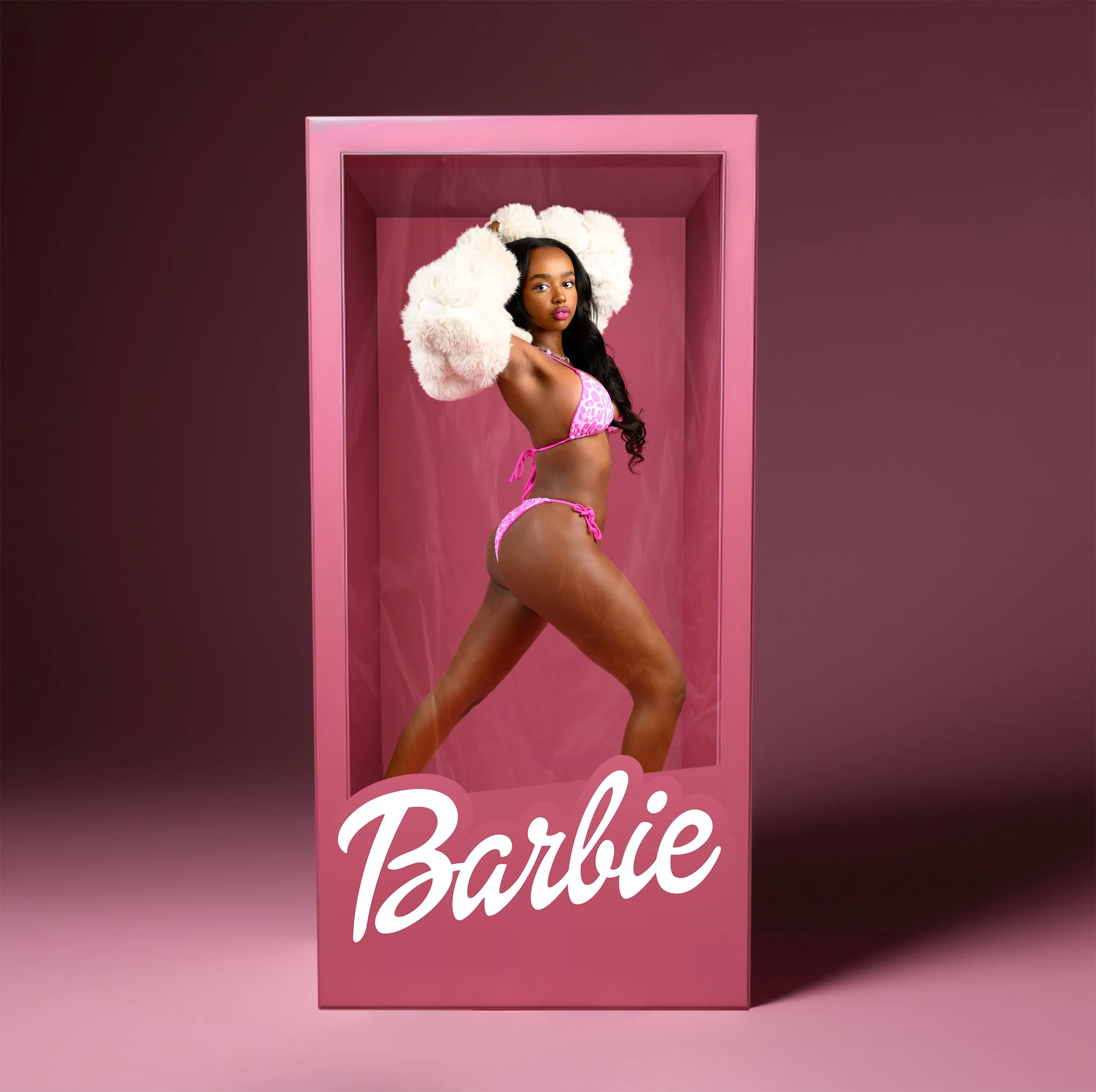
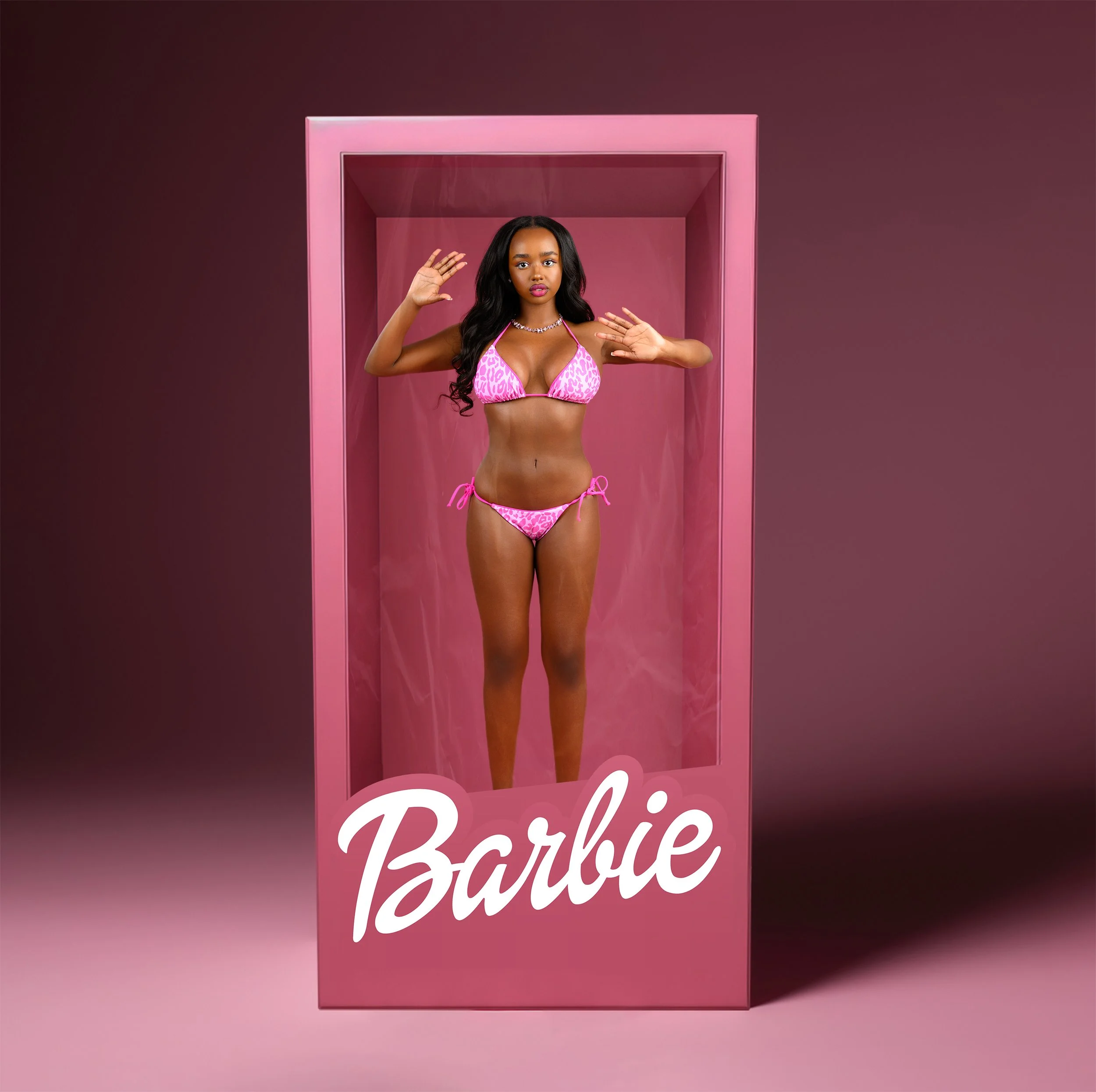
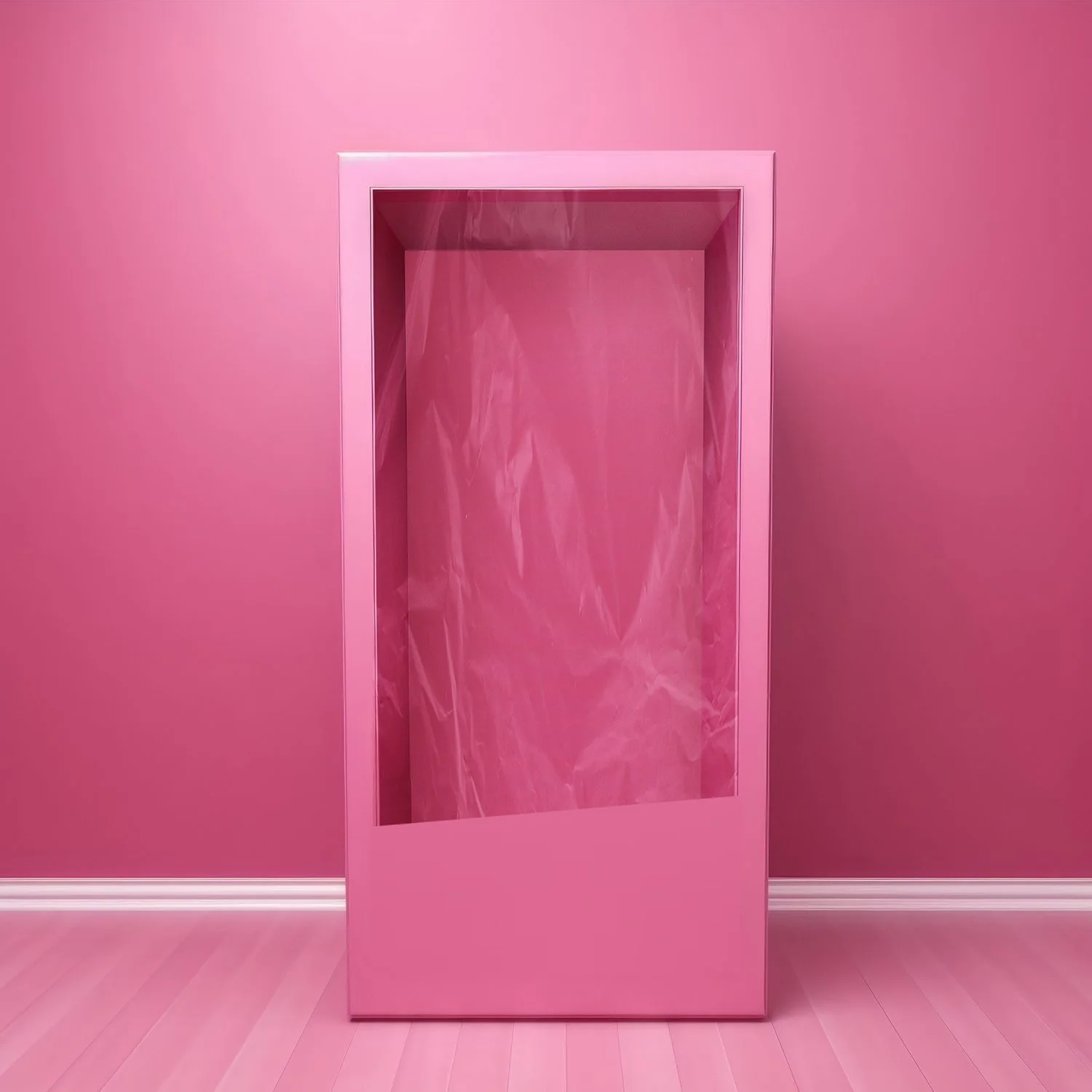
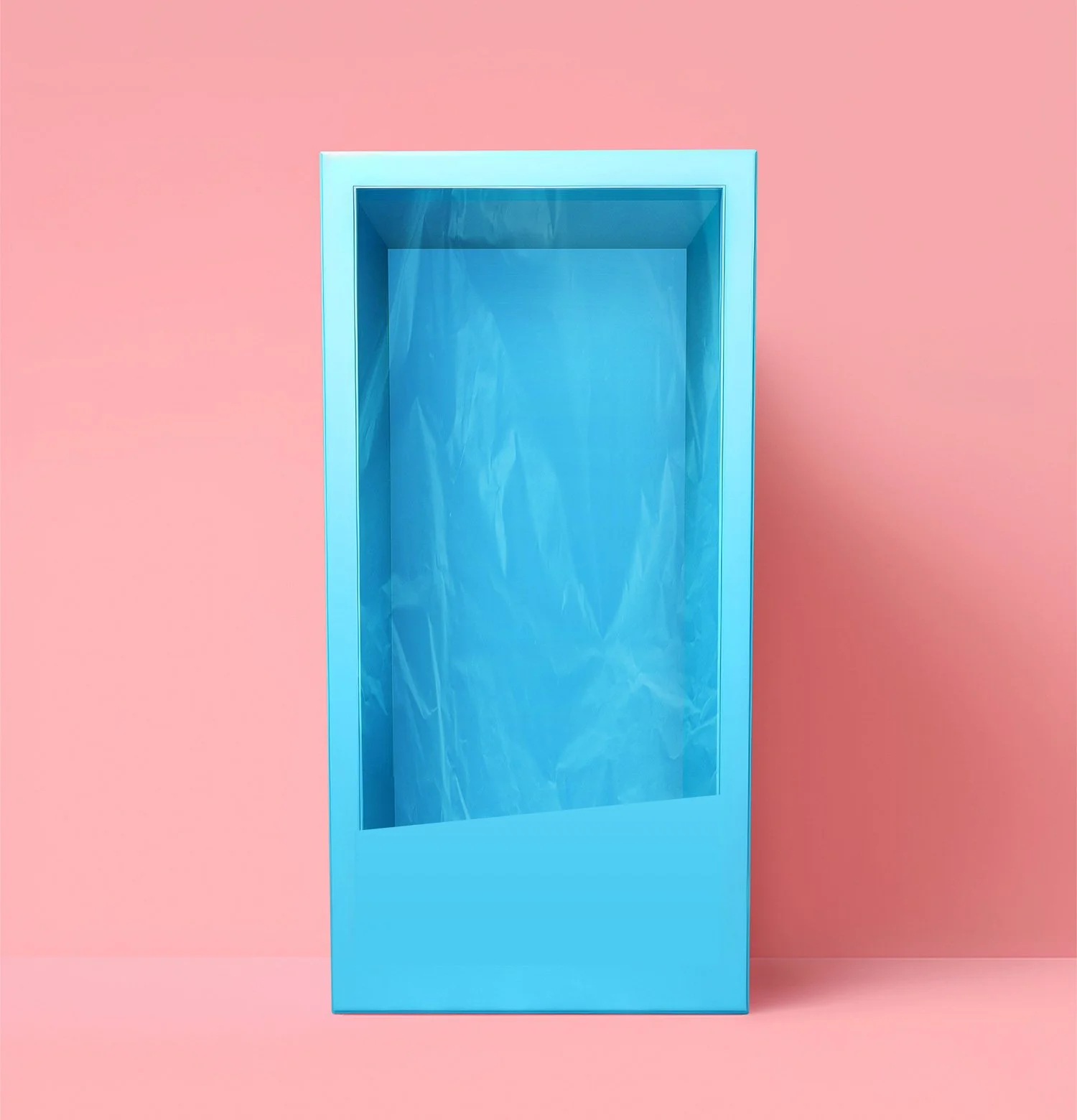
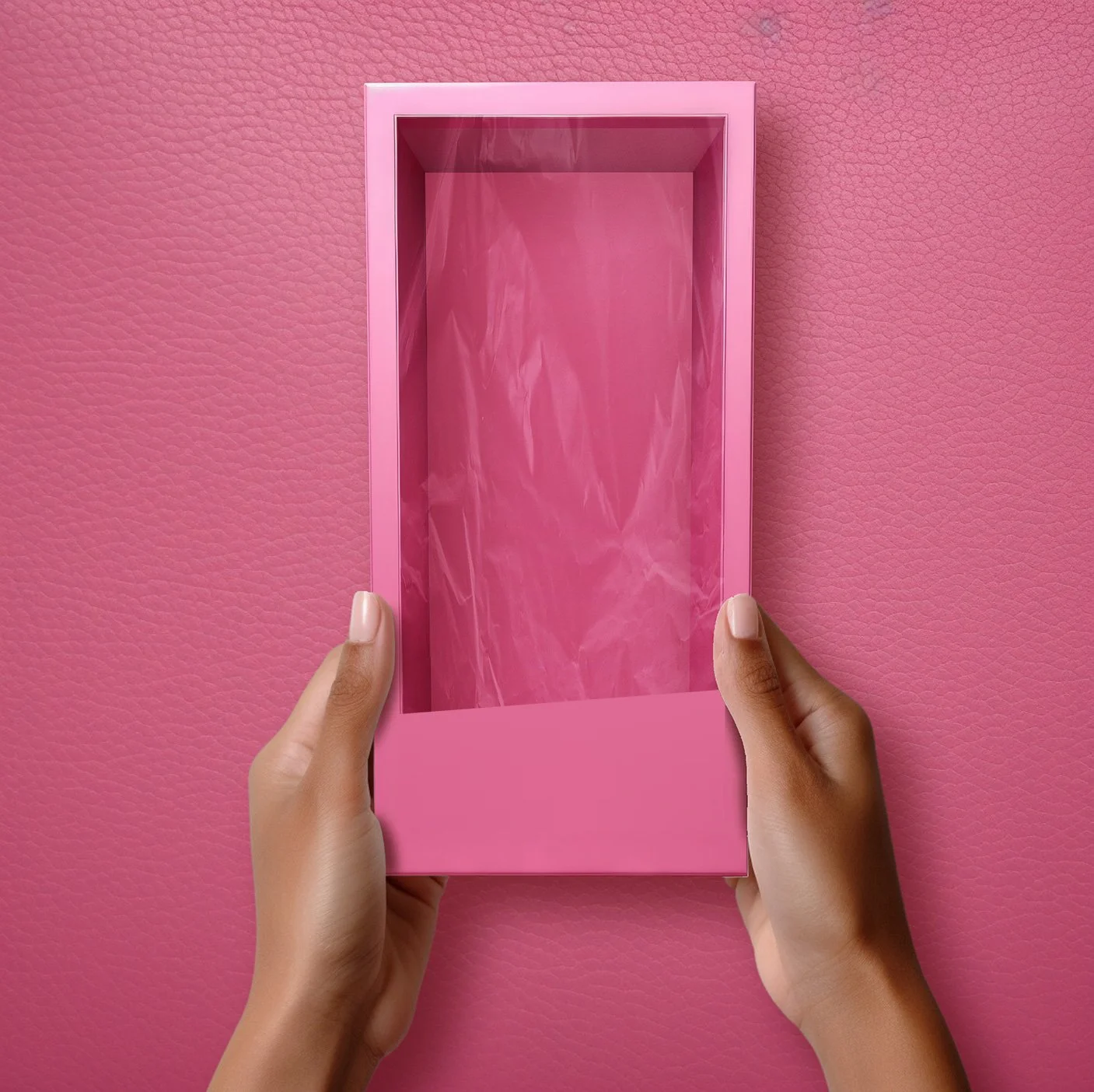
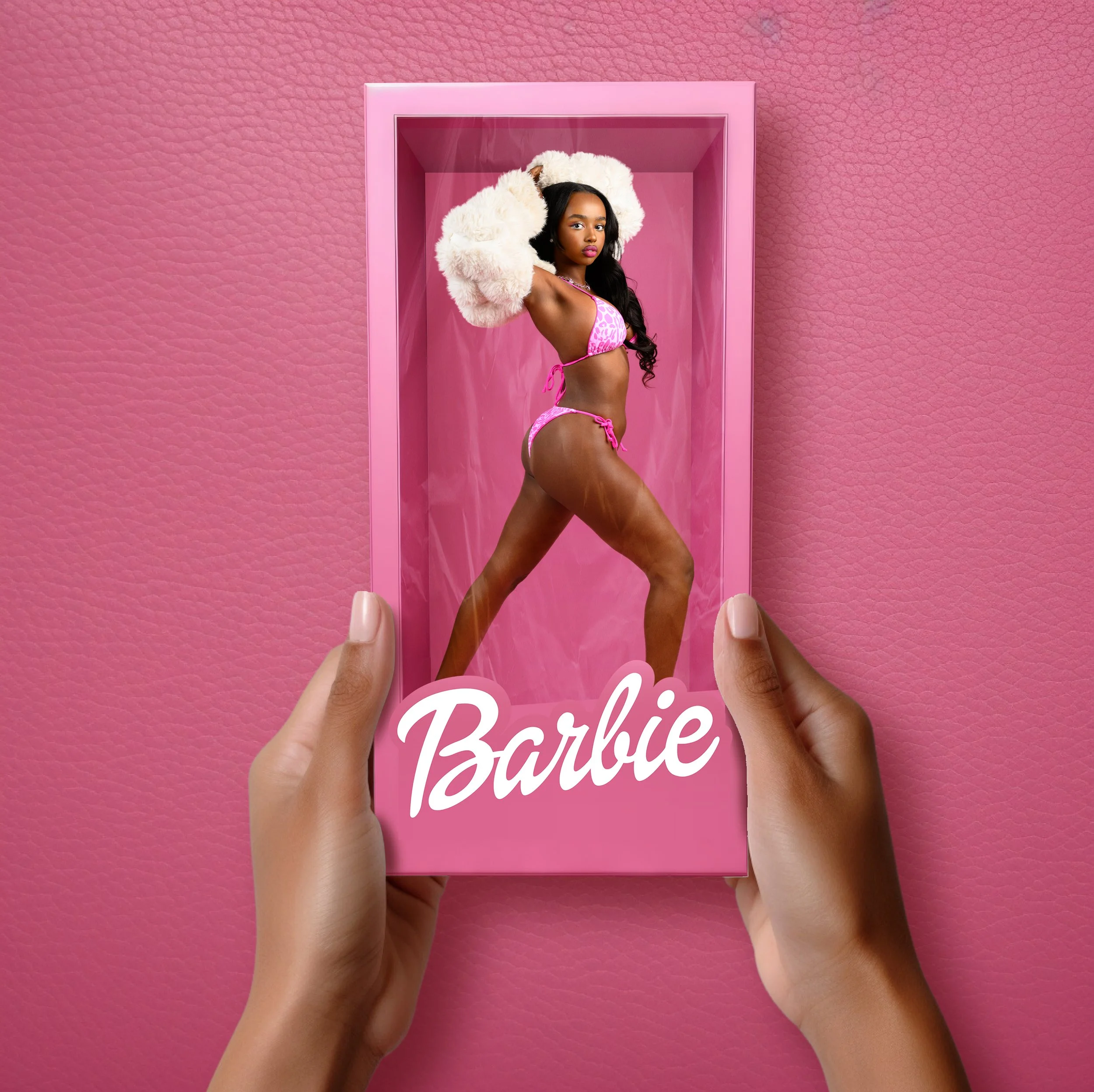
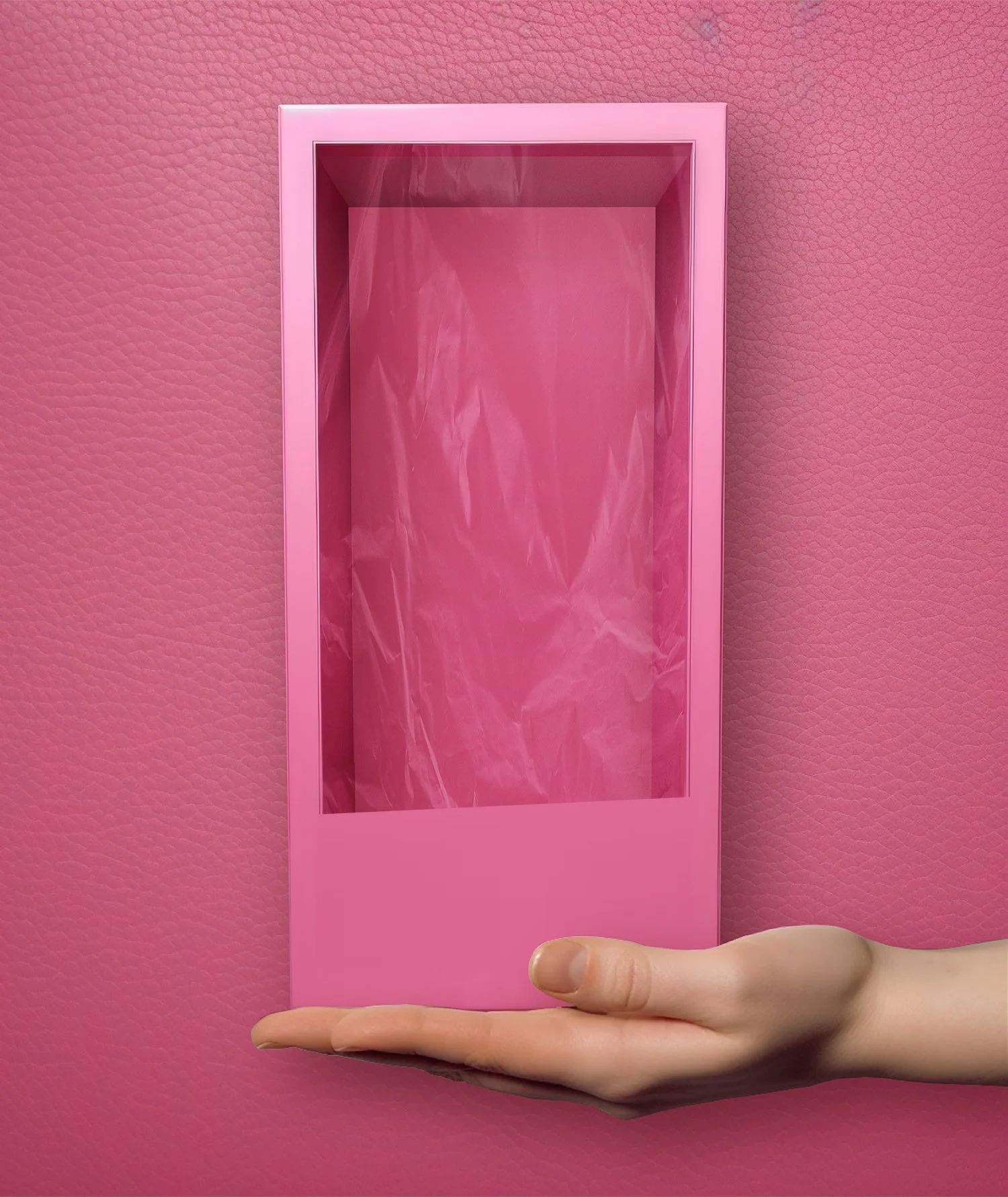
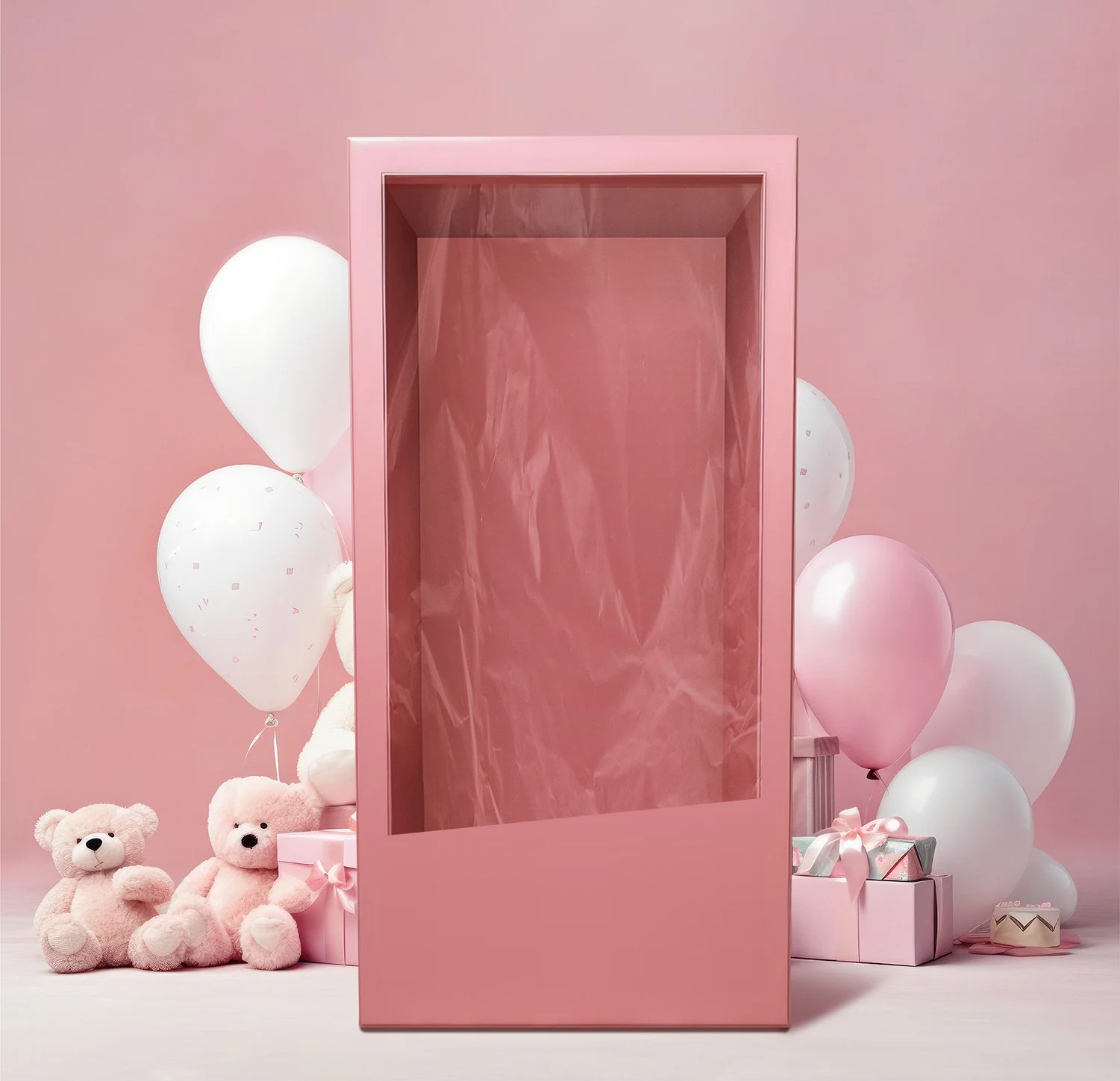
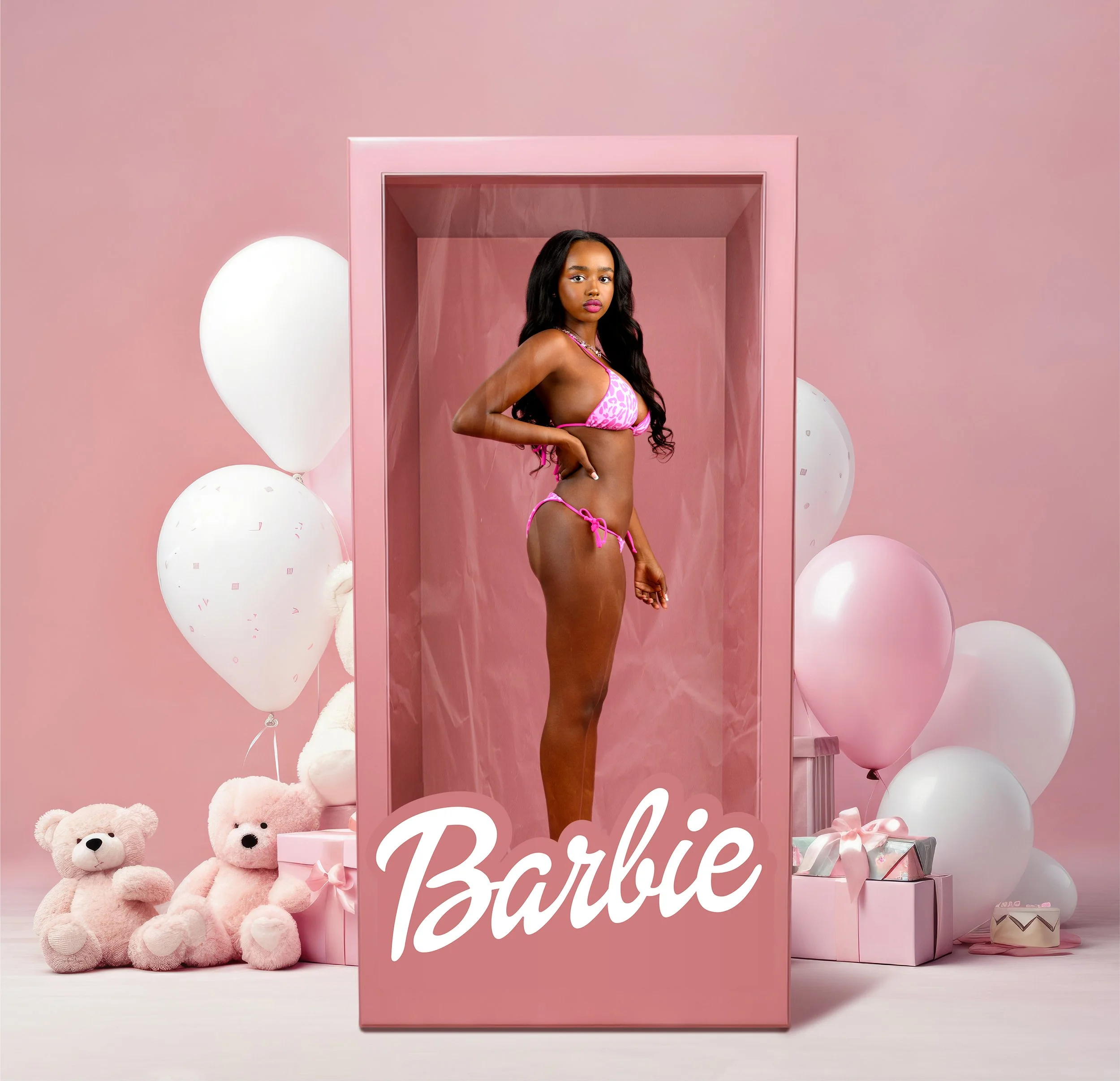
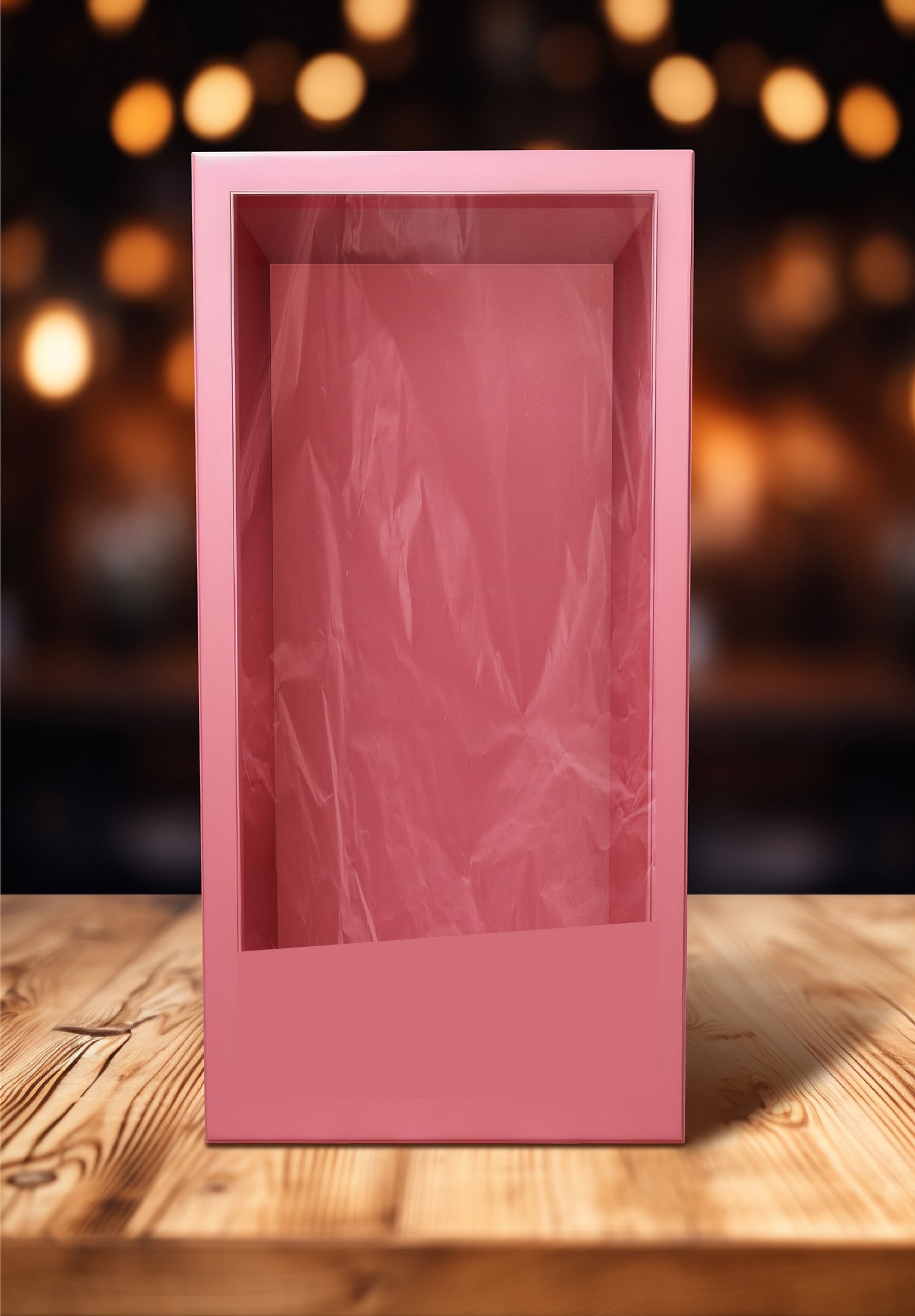
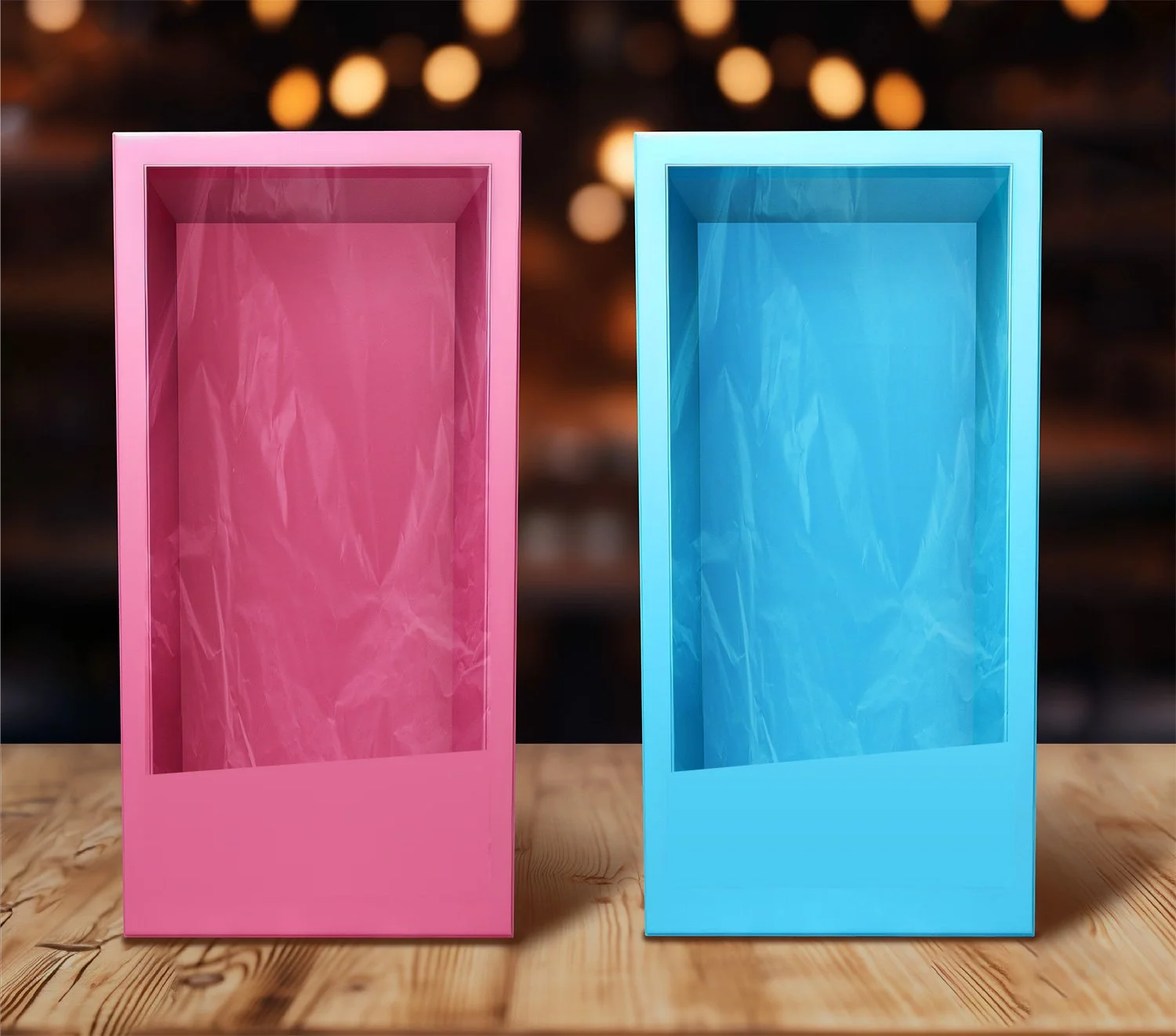
Turn your portraits into a bold, playful doll box look with the Ryan Troy Doll Box pack. This set includes 9 Photoshop PSD backdrops designed to give your images that clean, boxed-in toy packaging style with a polished pink aesthetic.
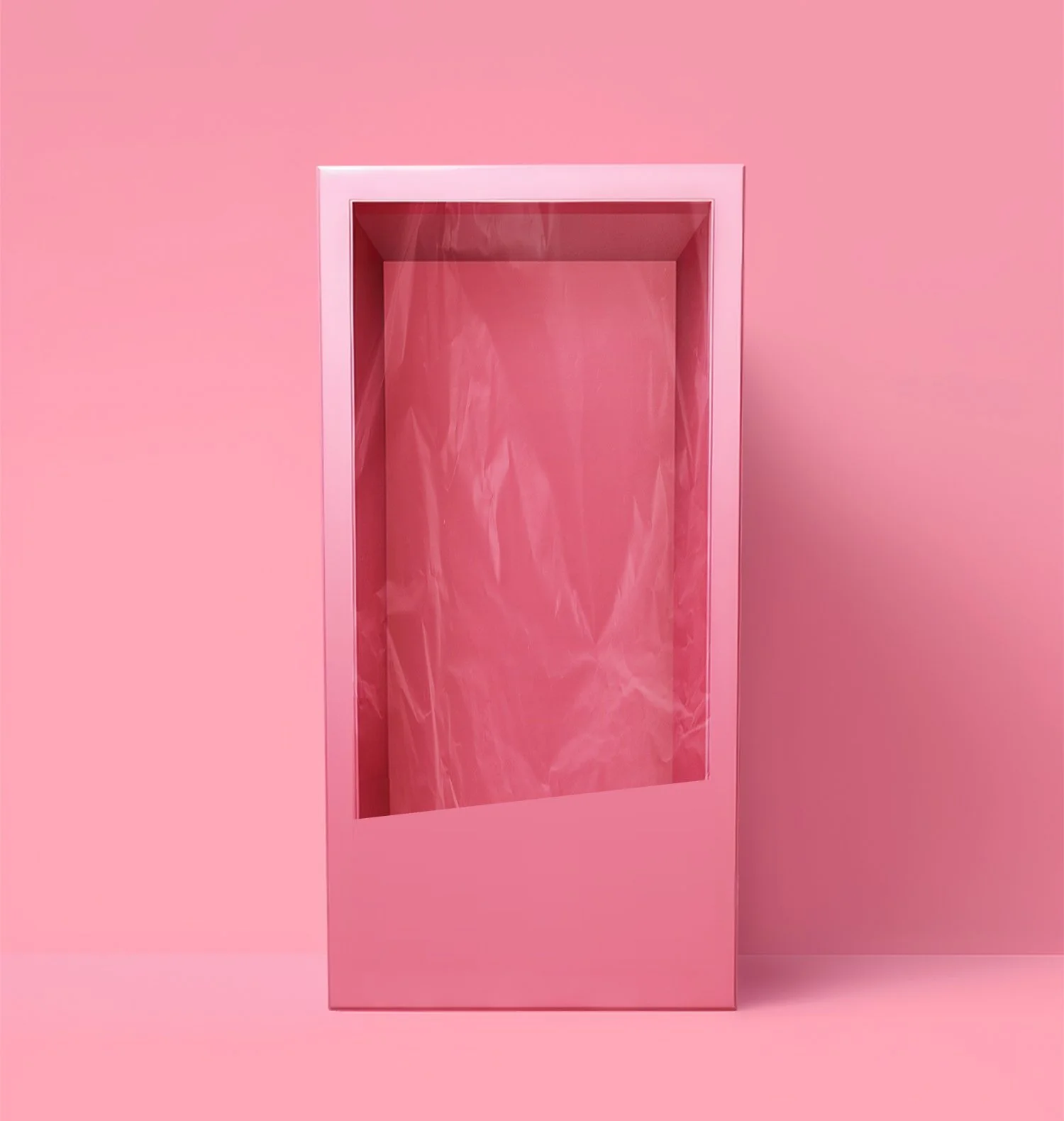
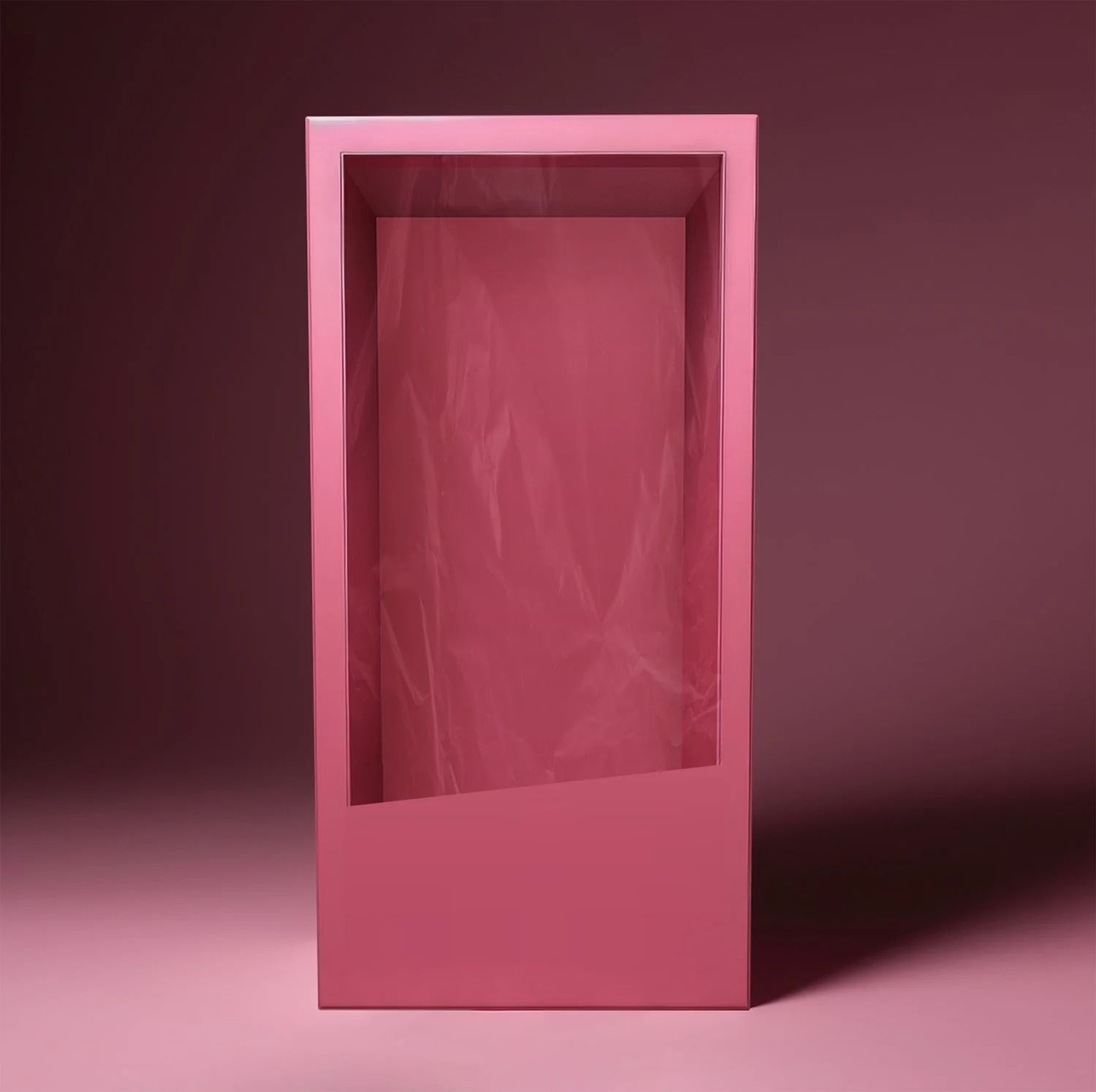
This pack is different from a standard digital backdrop because these are layered PSD files made to be used in Photoshop. Instead of dragging a finished image onto a background, you will open the PSD and place your transparent cut-out image into the layer labeled “place your image here.”
When you open the file, everything is already organized for you in the layers panel. You’ll see elements like the front design, text layer, texture adjustments, and the section where your image should go. This setup makes it easy to build the final effect while keeping your subject properly positioned inside the doll box.
How It Works
Open the PSD file in Photoshop
Locate the layer labeled “place your image here”
Insert your transparent cut-out image into that layer
Resize and position your subject to fit naturally inside the box
Leave the other layers on to keep the full design and effect
Export your final image
What’s Included
9 layered PSD doll box backdrops
Designed for Adobe Photoshop
Fully organized layers for easy editing
Built-in design elements and textures
Important
You must use a transparent cut-out image of your subject
Basic Photoshop knowledge is recommended
The Ryan Troy Doll Box pack is perfect for photographers who want to create something fun, trendy, and eye-catching while still delivering a clean, professional look. These edits are perfect for birthday shoots, themed sessions, creative portraits, and social media content that stands out instantly.